Top 10 Design Tools for Every Designer
In the field of design, the choice of software can shape the efficiency and quality of work. With a vast array of options available, understanding the core features and pricing of popular tools is essential for making informed decisions. This article explores a selection of widely used design tools, examining their strengths and potential applications. The focus is on providing an objective overview to assist designers in evaluating which tools might align with their specific needs.
Design tools have evolved significantly, offering capabilities that range from vector illustration to collaborative prototyping. Each tool brings a unique set of features, and the best choice often depends on the context of the project, team size, and budget. By comparing these tools across various dimensions, we aim to offer a comprehensive resource for designers seeking to enhance their workflow.
Understanding the Design Tool Landscape
The design tool market is diverse, catering to different specializations such as graphic design, UI/UX, prototyping, and digital painting. Some tools are part of comprehensive suites, while others are standalone applications with a focused purpose. The selection of a tool often depends on the design discipline and the stage of the design process. For instance, graphic designers might prioritize robust vector editing, whereas UI designers may look for interactive prototyping capabilities.
Beyond features, pricing models vary, with some tools offering free tiers and others requiring subscriptions. This financial aspect influences accessibility and long-term adoption. Additionally, collaboration features have become increasingly important, especially for remote teams. Understanding these dynamics is crucial for making a decision that balances functionality, cost, and team needs.
Essential Tools for Graphic Design
Graphic design remains a cornerstone of visual communication, and several tools have become industry standards. Adobe Illustrator is renowned for its powerful vector editing, making it a go-to for logo design and illustration. Its integration with other Adobe products provides a seamless workflow for many professionals. Similarly, CorelDRAW offers a robust alternative with a user-friendly interface and strong performance in print design.
For those seeking a more accessible entry point, Affinity Designer presents a cost-effective option with a one-time purchase model. It delivers a high level of functionality, including advanced vector tools and a smooth learning curve. These tools are not limited to professional use; they also serve as learning platforms for aspiring designers. The choice among them often comes down to personal preference, budget, and specific project requirements.
Prototyping and Collaboration Tools
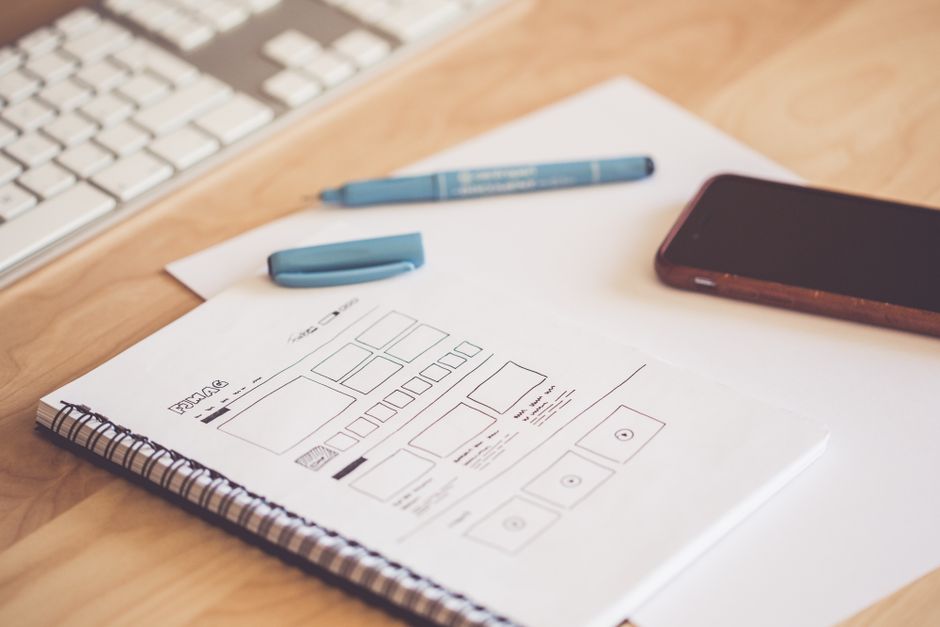
In the realm of UI/UX design, prototyping and collaboration have become paramount. Figma stands out as a cloud-based tool that enables real-time collaboration, making it a favorite among remote teams. Its browser-based nature allows for easy sharing and feedback, streamlining the design review process. Similarly, Sketch offers a macOS-native experience with a strong plugin ecosystem, though it has traditionally lacked some collaboration features.
Another notable tool is InVision, which focuses on prototyping and user testing. It integrates with other design tools and provides interactive animations, helping teams validate concepts early. For teams that prioritize a seamless design-to-development handoff, Zeplin offers a platform for sharing design specs and assets. These tools collectively address different aspects of the design workflow, from ideation to implementation.
Specialized Design Tools for Digital Art and UI
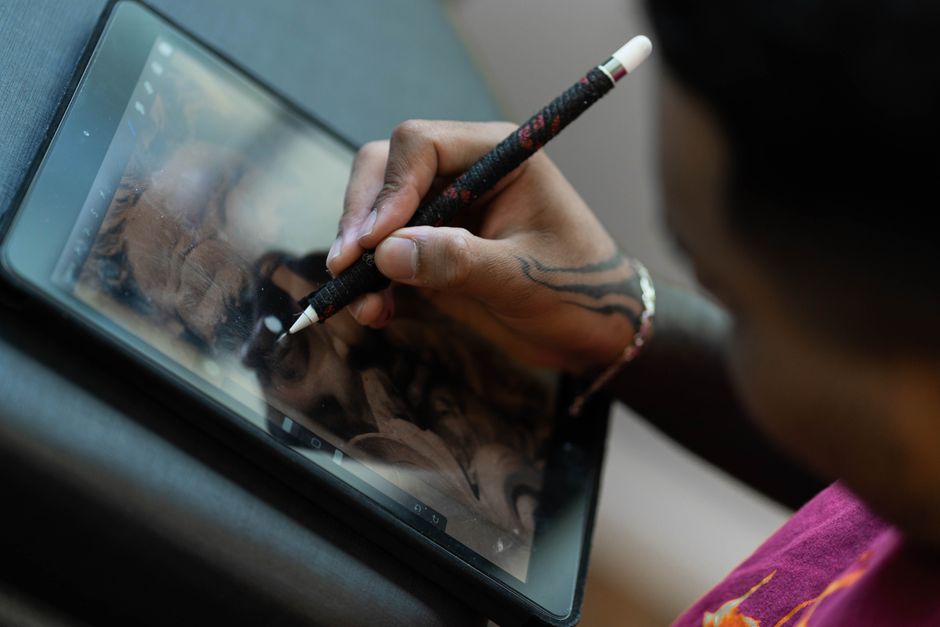
Digital artists often rely on tools that emulate traditional medium. Adobe Photoshop remains a benchmark for raster graphics and photo editing, offering a vast array of brushes and filters. Its versatility extends to UI design, where it is used for creating visual assets. Procreate, on the other hand, is an iPad-exclusive app that has gained popularity for its intuitive gestures and natural brush engine, making it a favorite among illustrators.
For UI design specifically, tools like Adobe XD provide a focused environment for creating wireframes and interactive prototypes. It integrates with other Adobe products, which is advantageous for users already within that ecosystem. Additionally, open-source tools like Inkscape offer a free option for vector design, though they may have a steeper learning curve. The diversity of these tools ensures that designers can find a solution that matches their artistic style and technical requirements.
Evaluating Features and Pricing
When comparing design tools, features and pricing are critical factors. Adobe Creative Cloud operates on a subscription model, with plans that include individual or suite access. This approach ensures regular updates but can be costly over time. In contrast, tools like Affinity Designer and Sketch offer one-time purchases, which may be more budget-friendly in the long run. Figma provides a freemium model, with paid plans that unlock advanced collaboration and admin controls.
It is also important to consider the learning curve and community support. Tools with extensive tutorials and active user communities can ease the adoption process. Moreover, some tools offer educational discounts, which can be advantageous for students and educators. Evaluating these factors in the context of your specific use case is essential for selecting a tool that maximizes productivity without exceeding budget constraints.
Selecting the right design tool involves a careful assessment of features, pricing, and team collaboration needs. No single tool fits every scenario, but a thorough comparison can guide you toward a suitable choice.
In summary, the design tool landscape offers a wide range of options, each with its own strengths. From the comprehensive suite of Adobe to the collaborative environment of Figma and the affordability of Affinity, there is a tool to suit various needs. By understanding the nuances of features and pricing, designers can make informed decisions that align with their workflows and budgets.
Ultimately, the most effective design toolkit is one that complements your specific processes and encourages creativity. We encourage you to explore trial versions and community reviews to gauge how each tool fits into your daily practice.